
Everything you need to stream the biggest night in American football live, in full HD, from any device, without missing a single play, a single commercial, or a single second of the Halftime Show.
Flix IPTV Editorial▮Super Bowl 2025▮Complete Guide▮10 Min Read
HDQuality
4KFeeds Avail.
24/7Stream Live
The Super Bowl is the single most-watched television event in the world. From the opening kickoff to the final confetti fall, it commands more simultaneous viewers than any other broadcast on the planet, and for good reason. The game itself, the commercials, the Halftime Show, and the collective energy of watching something that genuinely matters make the Super Bowl a phenomenon that transcends sport. For viewers who refuse to accept a substandard stream, a blurry feed, or a service that buffers at the decisive moment, Flix IPTV is the complete answer. This guide covers every step of getting set up, from choosing your plan to sitting back for kickoff with a stream in full HD that does not disappoint.
100M+Global Viewers
4KStream Quality
60+Sports Channels
1Subscription Needed
01 // Flix IPTV
Why Flix IPTV Is the Right Call for Super Bowl Sunday
When the Super Bowl kicks off, two things matter above everything else: picture quality and reliability. A pixelated stream ruins the spectacle of the Halftime Show. A buffering wheel during a fourth-quarter drive is a different kind of agony. Flix IPTV was built with exactly this kind of high-demand live event at the centre of its design. The platform delivers Full HD streams as its baseline, with 4K feeds available on supported channels, and it maintains that quality under the pressure of a global audience all watching simultaneously.
The Super Bowl is broadcast across multiple major US and international networks simultaneously, and the Flix IPTV channel catalog reflects that breadth. You are not restricted to a single broadcaster’s presentation. Whether you want the primary US network feed, an international sports channel covering the game, or a specific commentary team that suits your preference, the platform gives you genuine choice over how you experience the biggest game of the year.
Beyond the game itself, the Flix IPTV sports catalog covers the full NFL season in the weeks leading up to the Super Bowl. The playoff rounds, the conference championships, and all the build-up analysis and preview programming are accessible through the same subscription that carries the Super Bowl broadcast. There is no need to maintain separate subscriptions for the playoff run and the final. One plan covers everything from September through to Super Bowl Sunday.
The Super Bowl does not offer a replay of the moment that matters. Your stream needs to be ready when the game is on the line. Flix IPTV delivers.
02 // Channel Coverage
What the Channel List Carries for NFL Fans
The depth of NFL and Super Bowl coverage available through the Flix IPTV channel list is one of the most compelling reasons to choose the service for game day. The platform carries a wide selection of the North American and international sports networks that broadcast NFL games throughout the season, meaning that both the regular season schedule and the Super Bowl itself are covered comprehensively.
Super Bowl Sunday coverage typically begins many hours before kickoff, with pregame analysis, historical features, team profiles, and player interviews filling the broadcast schedule throughout the afternoon. All of this surrounding programming is available through the same channel feeds that carry the game itself, so you can watch the full day of coverage without switching services or missing any of the build-up that gives the event its atmosphere and context.
The Halftime Show is a broadcast event in its own right, and the channel coverage through Flix IPTV ensures that it arrives in the same full HD quality as the game. The production values of a Super Bowl Halftime Show are exceptional, and they deserve to be watched on a stream that captures them at their best rather than compressed into a low-resolution feed from an unreliable source.
For viewers outside North America who want to watch the Super Bowl through an American broadcast presentation rather than a locally dubbed version, the channel options available through Flix IPTV make that choice available. This is a particular advantage for international fans who follow the NFL seriously and want the experience of watching the game as American audiences see it.
Game Day Channel Navigation
Open the Flix IPTV electronic programme guide on Super Bowl Sunday and filter the Sports category to locate the NFL broadcast channels. Primary game feeds will be visible from mid-morning, with pregame programming beginning several hours before kickoff.
Multiple channel feeds carrying the same game are often available simultaneously. Select the feed with the highest available resolution indicator in the EPG for the best picture quality on your display.
Keep a secondary device ready with the channel guide open so you can switch feeds instantly without interrupting your main screen if needed.
03 // Pricing
Choosing Your Plan Before Game Day
Super Bowl Sunday falls in early February each year, which places it at a natural decision point for sports streaming subscriptions. The NFL season runs from September through January, with the Super Bowl as its conclusion in early February. A subscription that covers the full season from September provides access to every regular season game, every playoff matchup, both conference championships, and the Super Bowl itself within a single plan.
The Flix IPTV pricing plans are structured at multiple duration tiers, with longer subscriptions delivering substantially lower per-month costs. For NFL fans who want to cover the entire season through to the Super Bowl, the six-month or annual plan provides the best overall value and eliminates the risk of a subscription lapsing partway through the playoff rounds.
Even for viewers who are subscribing primarily for the Super Bowl itself, the monthly plan provides clean access to the event at a cost that represents considerable savings over purchasing access through individual broadcaster apps or pay-per-view options. The value comparison with conventional sports streaming is straightforward: Flix IPTV delivers more channels, more flexibility, and more content for less money at every subscription tier.
One practical consideration is timing the subscription start to allow a test session before game day. Subscribing a few days before the Super Bowl and checking that your chosen device, network connection, and channel setup are all working correctly takes the uncertainty out of Super Bowl Sunday itself. The last thing any viewer wants is to spend the first quarter of the game troubleshooting a setup issue that could have been resolved days earlier.
04 // Setup Guide
Complete Installation Step by Step
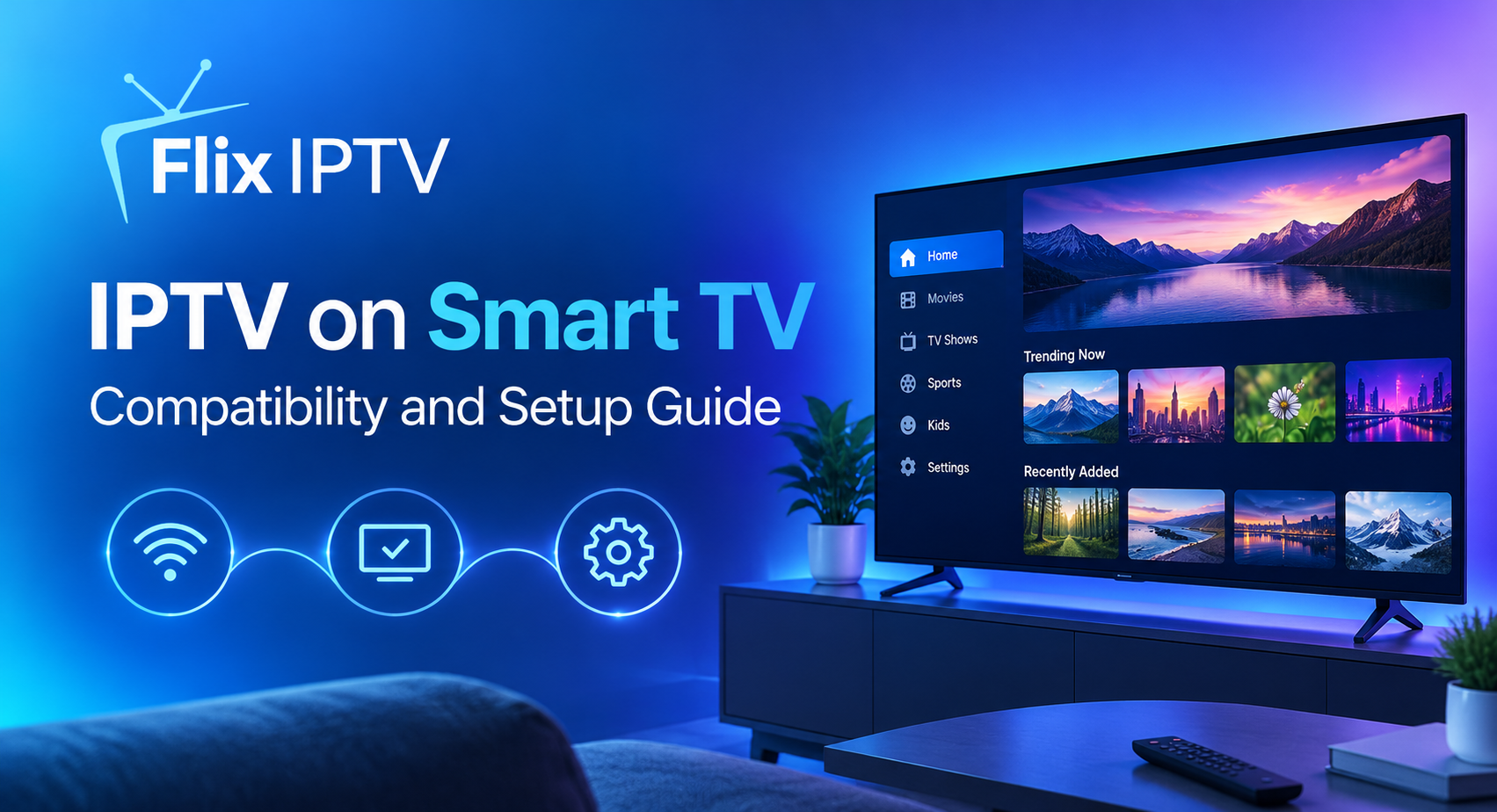
Getting Flix IPTV running on your device of choice is a process that takes minutes rather than hours. The SS IPTV installation guide provides clear, device-specific instructions for every major platform, and the steps below outline the complete process from subscription to first stream.
1
Subscribe and get your credentials Visit the Flix IPTV website, select your chosen plan, and complete the signup. Your M3U playlist URL and account credentials arrive by email within minutes. Keep this email accessible on a secondary device while you complete setup.
2
Install the SS IPTV application Download SS IPTV from the app store for your device. The application is available on Samsung and LG smart TVs, Amazon Fire Stick and Fire TV, Android phones and tablets, iOS and iPadOS devices, Windows and Mac computers, and dedicated IPTV set-top boxes.
3
Enter your M3U playlist URL Open SS IPTV, go to the settings or remote playlist section, and paste in the M3U URL from your Flix IPTV welcome email. The full channel catalog loads automatically. This takes between ten and thirty seconds depending on your connection speed.
4
Open the EPG and test a sports channel Navigate to the Sports category in the electronic programme guide and open any live sports channel to confirm your stream is loading correctly. Check that the video quality matches the expected HD resolution before game day.
5
Locate the Super Bowl broadcast feed On Super Bowl Sunday, open the Sports category, filter for NFL or American football channels, and select the primary broadcast feed. For 4K quality, look for the resolution label in the EPG listing and select accordingly.
6
Settle in and enjoy every moment With your stream confirmed and your picture quality set, there is nothing left to do but watch. Kick back, enjoy the pregame show, and be ready for one of the greatest sporting spectacles of the year.
05 // Devices
Best Devices for Super Bowl Streaming
The Super Bowl is a social event as much as a sporting one. The right device setup transforms a solo stream into a proper watch party experience. Flix IPTV supports all major platforms, and choosing the right hardware for your environment makes a meaningful difference to the quality of Super Bowl Sunday.
Smart TV 65″+
Fire Stick 4K Max
Android TV Box
Apple TV
iPad Pro
iPhone
Windows Laptop
MacBook
IPTV Set-Top Box
For the main room Super Bowl party setup, a 65-inch or larger smart television paired with a wired ethernet connection is the gold standard. The Super Bowl is a cinematic broadcast with stadium-wide camera sweeps, tight action shots, and a Halftime Show that is designed to be seen on the largest possible screen. A wired connection removes any risk of Wi-Fi variability affecting picture quality during critical moments of the game.
The Amazon Fire Stick 4K Max is the most popular secondary device for Flix IPTV subscribers who want to extend the Super Bowl experience to a second television in another room. It connects to any HDMI-equipped screen, supports the SS IPTV application natively, and delivers 4K streams on supported channel feeds. For households hosting a Super Bowl party where different groups want to watch in different rooms, a Fire Stick in each room is the most cost-effective way to achieve that.
06 // Connection
Internet Speed Guide for Super Bowl Night
The Super Bowl is broadcast in the highest production quality of any American television event of the year. To receive that quality through Flix IPTV, your internet connection needs to meet the minimum speed thresholds for the stream quality you have selected. The table below provides clear guidance for each quality level.
| Stream Quality | Min Speed Required | Recommended Speed | Status |
|---|---|---|---|
| SD (480p) | 5 Mbps | 8 Mbps | Acceptable |
| Full HD (1080p) | 15 Mbps | 20 Mbps | Recommended |
| 4K Ultra HD | 30 Mbps | 50 Mbps | Best Experience |
Super Bowl Sunday is one of the highest-traffic internet evenings of the year. Even if your broadband connection normally performs well above the recommended thresholds, it is worth running a speed test from your specific streaming device on the afternoon before the game to confirm actual performance rather than assuming based on the headline broadband speed. Routers, home network congestion, and Wi-Fi signal strength can all reduce the speed that any individual device receives from the total available bandwidth.
On Super Bowl Sunday, the only interruption you should experience is the two-minute warning. Not your stream.
07 // Support
FAQ and Getting Help Before Kickoff
The Flix IPTV FAQ page is the fastest route to answers on the most common questions that arise around a major streaming event like the Super Bowl. Questions about how to locate specific channels, how to manage simultaneous streams across multiple devices, what to do if a playlist needs refreshing, and how account credentials work under different subscription tiers are all addressed in clear, direct language without technical jargon.
For questions that go beyond the FAQ, the Flix IPTV contact team is available to assist. The recommendation is always to reach out at least a day before the Super Bowl rather than on game day itself, so that any query can be resolved at a relaxed pace without any pressure from the approaching kickoff time. The support team is responsive and experienced with the kinds of questions that arise around major sporting events.
Super Bowl Pre-Game Checklist
Subscribe and complete the SS IPTV setup at least two days before game day so that any configuration questions can be resolved without time pressure.
Run a speed test from your main streaming device on the day before the game to confirm your connection is performing at the expected level.
If streaming on Wi-Fi, test the connection quality from the exact location in your room where you will be watching, as distance from the router affects performance.
Open the Flix IPTV channel guide on Super Bowl morning to locate the broadcast channels and confirm they are loading correctly in advance of the pregame show.
For watch parties with multiple simultaneous streams, test each device independently to confirm all are running the correct playlist version.
08 // Full Season
More Than Game Day: Full NFL Season Coverage
One of the most compelling aspects of choosing Flix IPTV for the Super Bowl is that the subscription that delivers game day also covers the full NFL calendar. The regular season begins in September with the opening weekend of fixtures, runs through seventeen weeks of divisional and conference competition, and feeds directly into the wildcard rounds, divisional playoffs, and conference championships before arriving at the Super Bowl in February.
For American football fans outside the United States, this comprehensive season coverage is extraordinarily difficult to replicate through conventional television subscriptions, which often provide only partial access to NFL games or restrict coverage to specific broadcast windows. Flix IPTV’s multi-channel approach means that a far greater proportion of the weekly NFL schedule is accessible, including prime-time games and international series fixtures, through the same single subscription.
Beyond American football, the same subscription period that covers the Super Bowl also delivers access to the full range of sports on the Flix IPTV platform. Basketball’s NBA season is in full swing throughout the winter months. The NHL season runs concurrently. International football leagues across Europe, including the Premier League, La Liga, Serie A, and the Bundesliga, continue through the same winter calendar. The complete channel list demonstrates the breadth of what is included, and for multi-sport households the value of a single subscription covering all of these simultaneously is significant.
09 // Final Call
The Final Verdict: Flix IPTV and Super Bowl Sunday
The Super Bowl happens once a year. The preparation for watching it well takes less than an hour. Flix IPTV makes the entire process straightforward: choose a plan, install the SS IPTV application, load your playlist, find the broadcast channel, and watch in full HD with a stream that has been engineered to hold steady under the pressure of the biggest live sporting event on the planet.
There is no justification for settling for a poor stream on Super Bowl Sunday when the alternative is this accessible and this affordable. The combination of comprehensive NFL channel coverage, Full HD and 4K picture quality, support across every major device, transparent pricing with no hidden costs, and a responsive customer support team makes Flix IPTV the most complete choice for Super Bowl viewing in 2025.
Visit the pricing plans page to select your subscription, follow the installation guide to get fully set up, and have everything ready before kickoff. The game will take care of the rest.
Ready for Kickoff?
Subscribe to Flix IPTV today and stream the Super Bowl live in Full HD. No contracts. No complications. Just football.Start Streaming Now
All ChannelsPricing PlansInstall GuideFAQContact Us FlixIPTV HomeChannelsPricingInstallFAQContact