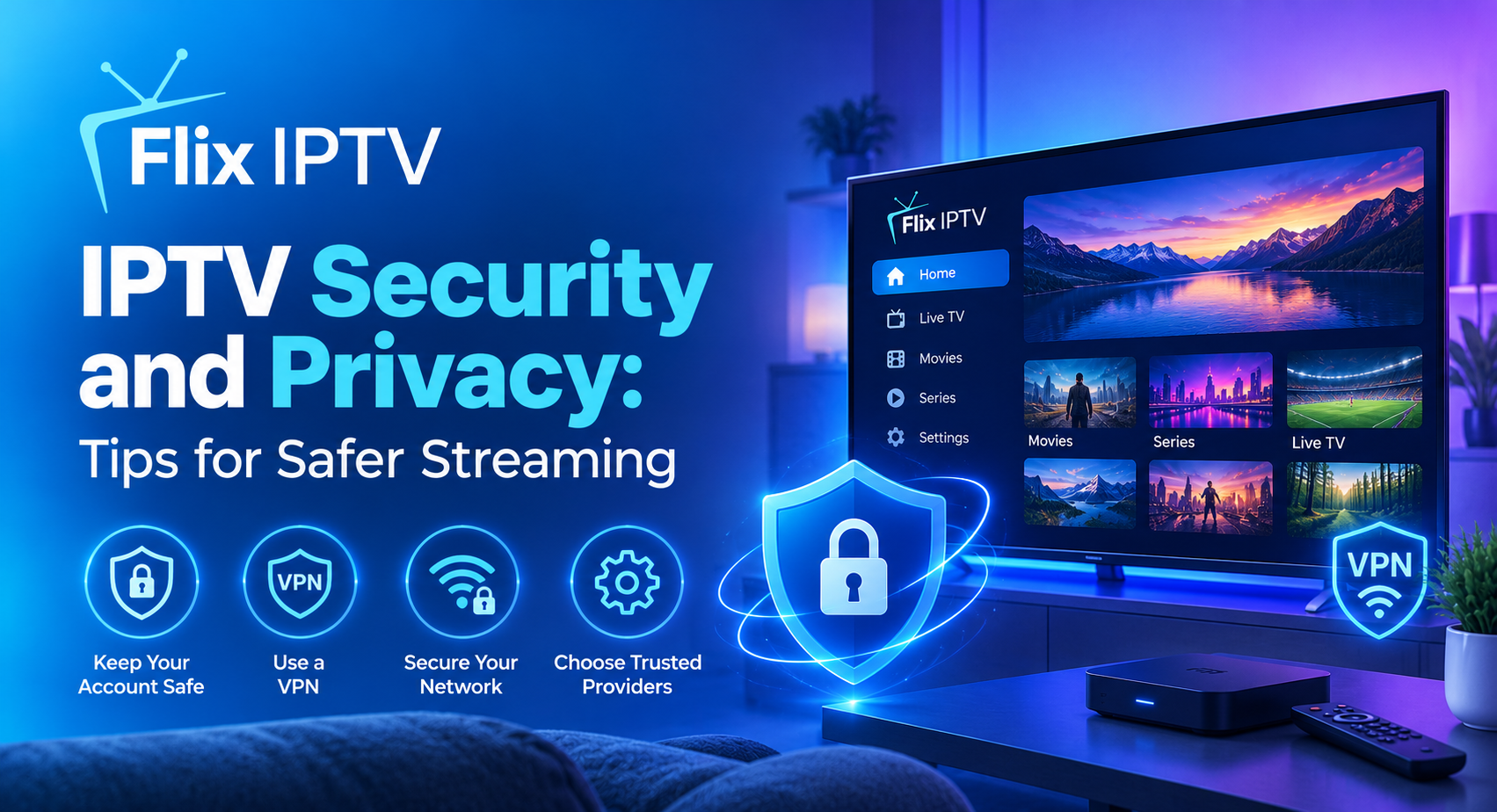

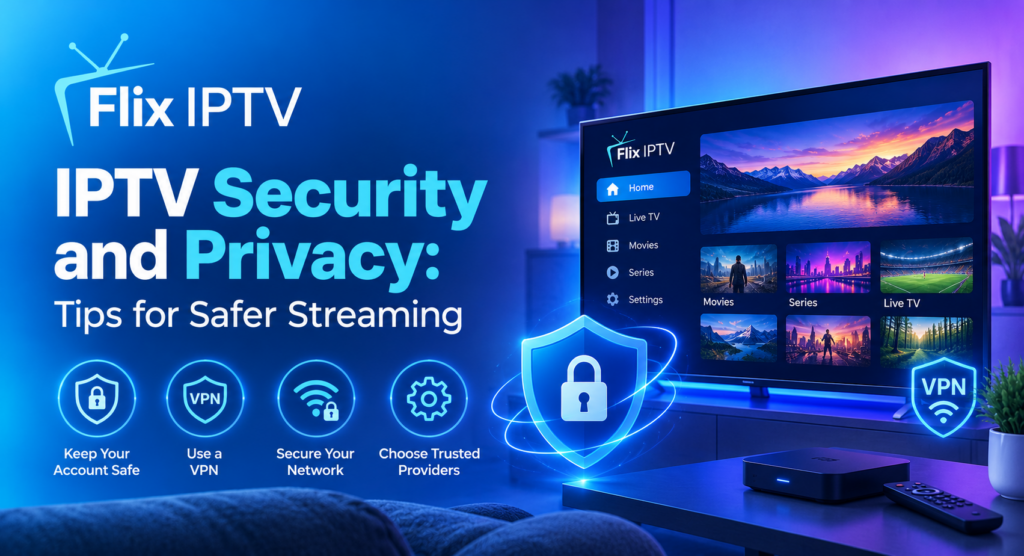
Internet television offers a convenient way to watch live channels and on-demand entertainment across compatible devices. However, viewers should understand the importance of IPTV security before installing applications, creating accounts or purchasing subscriptions. A safer streaming experience starts with trusted software, secure passwords and careful handling of personal information.
Whether you watch television on a Smart TV, Fire TV device, Android phone or computer, basic security habits can reduce avoidable risks. This guide explains how to protect your streaming accounts, recognise suspicious applications, secure your home network and choose services more confidently.
Why IPTV Security Matters
IPTV security involves protecting the devices, accounts and personal information you use when accessing internet-based television. Risks can arise from unofficial applications, misleading subscription offers, insecure websites and attempts to collect login credentials.
Not every IPTV application or provider presents the same risks. The goal is to identify warning signs and make informed choices instead of assuming that every service is safe or unsafe.
Good IPTV security practices can help you avoid suspicious downloads, protect payment details and reduce the likelihood of unauthorised access to your accounts.
1. Choose Trusted IPTV Applications
One of the most important IPTV security steps is downloading applications from reliable sources. Official app stores and recognised software developers generally provide clearer information about application ownership, permissions and updates.
Before installing an IPTV player, check the developer’s name, recent update history, privacy information and user feedback. Read the permissions carefully and question requests that appear unrelated to the application’s purpose.
Avoid downloading modified application files from unfamiliar websites. Such files may contain unwanted software or expose your device to unnecessary risks.
If an application asks you to disable important security protections, investigate the reason before continuing. A legitimate setup process should provide understandable instructions and should not pressure you into ignoring basic safety precautions.
2. Protect Your IPTV Account With a Strong Password
Your account credentials are an important part of IPTV security. If someone obtains your password, they may be able to access your account or misuse any associated personal information.
Create a unique password for each service rather than reusing the same password across several websites. A reputable password manager can help you generate and store complex passwords securely.
If the service supports two-factor authentication, enable it for an additional layer of protection. Never share passwords, authentication codes or account recovery links with strangers.
Be cautious of messages claiming that your subscription will expire unless you immediately provide your login details. Open the official website directly instead of clicking unexpected links in emails or text messages.
“For additional advice, read the Federal Trade Commission’s guide to protecting personal information from hackers and scammers.”
3. Check Website and Payment Safety
Before purchasing an IPTV subscription, review the website carefully. Look for clear pricing, renewal terms, refund information, customer support details and a privacy policy.
A secure connection, usually indicated by HTTPS, helps protect information transmitted between your browser and a website. However, HTTPS alone does not prove that a seller is trustworthy. Check the provider’s reputation and business information as well.
Use a recognised payment method and review the transaction details before confirming a purchase. Be cautious of sellers who demand unusual payment methods, refuse to explain recurring charges or advertise unrealistic offers with extreme urgency.
For more information about available packages, review the Flix IPTV subscription plans and check the applicable terms before purchasing.
4. Keep Your Streaming Devices Updated
Software updates are an essential part of IPTV security because they can fix known vulnerabilities, improve compatibility and address technical problems.
Install updates for your Smart TV, streaming device, phone and IPTV applications when they are available through official channels. Enable automatic updates if your device supports them and the setting suits your preferences.
If a television or streaming device no longer receives security updates, review the manufacturer’s support information. You may need to consider a supported device if the outdated system creates a meaningful security concern.
Avoid unofficial firmware modifications unless you fully understand the risks and have a legitimate reason to use them. For most viewers, the safer option is to keep the device on its supported software.
5. Secure Your Home Wi-Fi Network
Your home network connects your streaming devices to the internet, so protecting the router is another useful IPTV security measure.
Change the router’s default administrator password and use a strong Wi-Fi password. Choose WPA2-AES or WPA3 security when supported by your router and connected devices.
Install router firmware updates from the manufacturer and disable remote administration if you do not need it. If your router supports a guest network, consider using it for devices that do not need access to your main home network.
Avoid entering account credentials while connected to unfamiliar public Wi-Fi networks. If you must use public Wi-Fi, be particularly careful with account management and payment activities.
A secure home network cannot guarantee that every application is trustworthy, but it can reduce several common risks associated with connected devices.
6. Understand App Permissions and Data Collection
Applications may request access to certain device features or information. Some permissions are necessary for particular functions, while others may be unnecessary for a simple media player.
Review permissions before granting access. Consider whether the requested access makes sense for the application’s advertised purpose. If a basic streaming player asks for unrelated sensitive information, research the developer before proceeding.
Read the privacy policy to understand what information may be collected, how it is used and whether it is shared with third parties.
Strong IPTV security also means limiting the personal information you provide. Use only the details required to register and pay for a legitimate service, and avoid sharing sensitive information through unofficial support channels.
7. Recognise IPTV Scams and Suspicious Offers
Fraudulent offers may promise unlimited premium channels for an unusually low price, guaranteed access to every service or lifetime subscriptions with no clear terms.
Treat such claims carefully. A professional-looking website or positive review does not automatically establish that a provider is legitimate.
Watch for these warning signs:
- No clear company or support information.
- Unexplained payment requests or suspicious checkout pages.
- Pressure to pay immediately to avoid losing an offer.
- Requests for passwords belonging to other streaming services.
- Unofficial applications that require excessive permissions.
- Claims that ignore licensing, regional restrictions or service limitations.
Before paying, confirm which channels and features are included, whether your device is supported and what happens if the service stops working. Check that the provider is authorised to distribute the content it advertises.
8. Do You Need a VPN for IPTV Security?
A virtual private network, or VPN, creates an encrypted connection between your device and a VPN server. Depending on the service and configuration, it can help protect some network traffic from observation on the local network.
However, a VPN does not automatically make an IPTV application safe. It cannot guarantee that a provider is legitimate, prevent every form of malware or stop an application from collecting information directly from your device.
If you choose to use a VPN, research the provider’s privacy policy, security practices and reputation. Understand that a VPN may affect connection speed, streaming availability or service terms.
For many households, keeping devices updated, using trusted applications and protecting account credentials are more fundamental IPTV security steps.
9. What to Do if You Suspect an Account or Device Is Compromised
If you notice unfamiliar account activity, unexpected charges or suspicious behaviour after installing an application, act promptly.
First, stop using the questionable application and disconnect the device from the network if you believe it is actively causing harm. From a trusted device, change affected passwords and sign out of other sessions if the service provides that option.
Review payment transactions and contact your payment provider if you see unauthorised charges. Remove suspicious applications, run the device’s built-in security checks where available and install official updates.
If you reused the same password elsewhere, change it on those accounts as well. Contact the relevant service through its verified support channel and avoid anyone who asks for your password or one-time authentication code.
These steps support IPTV security by limiting further access and helping you regain control of your accounts.
10. Check Compatibility Before Installing IPTV
Security and compatibility should be considered together. An application that is not designed for your device may require unusual installation steps or may not receive suitable updates.
Check the official application store and the developer’s documentation before installing software. If you are unsure which setup method is supported, consult the device manufacturer’s guidance or your service provider.
You can use our IPTV installation guide to review general setup information. Also check the IPTV channel list to understand the advertised content and confirm availability directly with the provider.
Do not assume that every application works on every Smart TV or streaming device. Compatibility varies according to the operating system, model and region.
Frequently Asked Questions About IPTV Security
Is IPTV safe to use?
Internet-based television can be used safely when you choose trustworthy applications and authorised services, protect your accounts and keep your devices updated. The level of risk depends on the specific provider, software and practices involved.
Can an IPTV application contain malware?
An application downloaded from an untrusted source may expose a device to malware or other unwanted behaviour. Use official sources where possible, review permissions and avoid suspicious installation files.
Does a VPN guarantee IPTV security?
No. A VPN can encrypt traffic between your device and its VPN server, but it cannot guarantee that an application or provider is trustworthy. Other security practices remain necessary.
How can I protect my IPTV login details?
Use a unique, strong password, enable two-factor authentication if available and never share authentication codes. Access your account through the provider’s verified website or application.
Should I pay for a lifetime IPTV subscription?
Review such offers carefully. Check the seller’s legitimacy, content rights, payment terms and refund policy before committing. Long-term promises should not replace basic research.
Where can I get help with IPTV setup or subscription questions?
Start with the provider’s official documentation and verified support channels. You can also visit our FAQ page or contact page for website-related questions.
Final Thoughts
Good IPTV security begins with simple habits: install trusted applications, protect your passwords, secure your Wi-Fi network and review payment terms before subscribing. Keep your devices updated and treat unusual requests for personal information with caution.
No single tool can eliminate every risk, but combining these practices can make your streaming setup more secure and easier to manage. Before choosing a service, check device compatibility, content authorisation, privacy information and subscription conditions.
For additional information, explore the Flix IPTV website and its available support resources before making a decision.