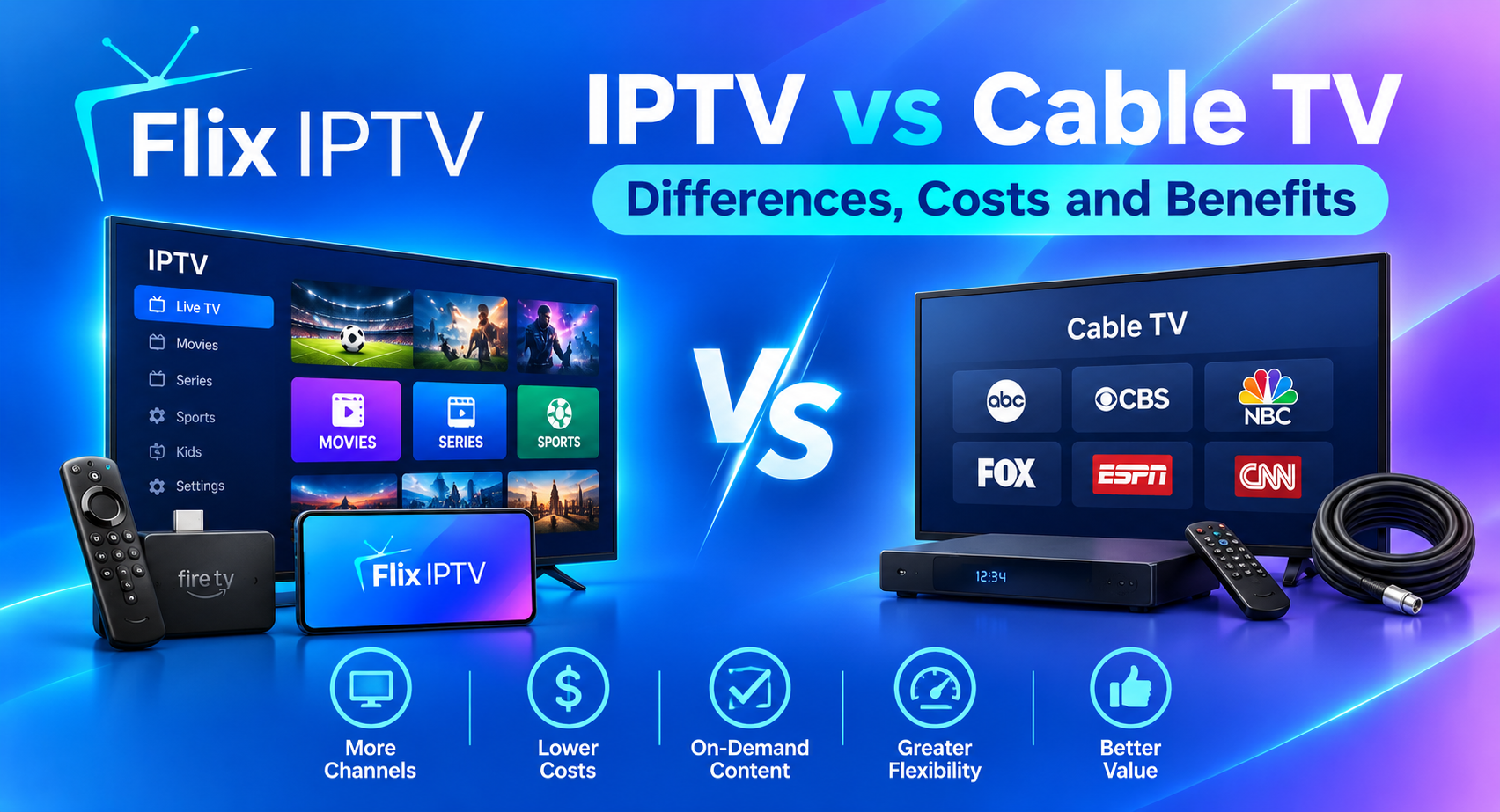

Choosing between IPTV and traditional cable television depends on how you watch TV, which channels you need, your internet connection and your monthly budget. Both options can provide access to live television, but they differ in how content reaches your home, the equipment you may need and the features available.
If you are exploring alternatives to traditional television, understanding IPTV vs cable TV can help you compare services before committing to a subscription.
Understanding IPTV vs cable TV helps you compare delivery methods, subscription costs and the features available from each type of service.
In this guide, we explain how each technology works, compare their advantages and disadvantages, discuss costs and equipment, and share practical tips for choosing the right option for your household.
What Is IPTV?
IPTV stands for Internet Protocol Television. It is a method of delivering television content using internet protocol technology over a suitable network.
Depending on the provider, an IPTV service may offer live television channels, on-demand programmes and other viewing features. You may be able to watch through a compatible Smart TV, streaming device, set-top box, computer or mobile device.
The exact experience depends on the service and its supported devices. Some providers use dedicated equipment, while other services offer applications for compatible devices.
One important point is that IPTV does not automatically mean every channel or programme is available. Channel selection, video quality, supported devices and viewing features vary between providers.
Before subscribing, check the available Flix IPTV channel list to review the content information provided for your service.
What Is Cable TV?
Cable TV is a traditional television delivery service in which a cable operator distributes television signals through a cable network to subscribers.
Depending on the provider and package, customers may receive local channels, entertainment, films, sports, news and other programming. Digital cable services may require a compatible receiver or set-top box.
Some cable providers also offer internet and telephone services as part of a bundle. In addition, cable companies can deliver internet access over their networks, meaning that a household can use cable broadband to access internet-based television.
This distinction matters because IPTV and cable broadband are not necessarily opposites. IPTV describes a method of delivering television, while cable describes a network and service traditionally used to distribute television signals.
IPTV vs Cable TV: Key Differences
The table below summarises the main factors to consider when comparing the two options.
| Feature | IPTV | Traditional cable TV |
|---|---|---|
| Delivery method | Uses internet protocol technology | Uses a cable TV distribution network |
| Internet requirement | Depends on the service and network; public-internet services need suitable internet access | Conventional cable TV generally does not rely on your home broadband connection |
| Equipment | May use an app, compatible device or set-top box | May require a provider-supplied receiver or set-top box |
| Channel selection | Varies by provider and subscription | Varies by operator and package |
| On-demand content | May be available, depending on the service | May be available, depending on the provider |
| Viewing devices | Can include TVs, streaming devices and mobile devices when supported | Often centres on a television and provider-compatible equipment |
| Reliability factors | Depends on network quality, provider infrastructure and device performance | Depends on the cable network, provider infrastructure and equipment |
| Cost structure | May involve a subscription, internet costs and compatible equipment | May involve a TV package, equipment charges and optional bundled services |
Neither option is automatically the best choice for every household. Comparing actual packages and requirements is more useful than relying on the technology name alone.
1. Cost Comparison: Which Option Offers Better Value?
Price is often one of the biggest factors when comparing IPTV vs cable TV. However, the advertised subscription price does not always represent the total cost.
Understanding IPTV costs
Depending on the provider, the overall cost may include:
- A monthly or annual television subscription.
- Broadband internet if you do not already have a suitable connection.
- A compatible streaming device or set-top box, if required.
- Any applicable installation, equipment or additional service charges.
If you already pay for suitable broadband, you may not need a separate internet connection just for television. However, you should consider whether your existing connection can support the household’s viewing habits.
You can review the available Flix IPTV subscription plans and check the package details before deciding which option suits your needs.
Understanding cable TV costs
Traditional cable television may involve a monthly package fee, receiver rental or purchase costs, installation charges and additional fees for premium channels.
Some providers offer promotional rates or combine television with broadband and telephone services. Before choosing a package, check when introductory pricing ends and what the ongoing price will be.
How to compare the total cost
Use this simple calculation:
Total monthly cost = television subscription + internet cost attributable to streaming + equipment or other recurring charges.
For cable, include the television package, relevant equipment fees and any additional charges. If broadband is bundled, compare the entire bundle with the services you actually need.
Do not count the full broadband bill as an additional television expense if you already need internet for work, education or other household activities. Instead, consider the additional cost you would incur specifically to make internet-based television possible.
The best-value option is the one that provides the channels, features and reliability you need at an acceptable total cost.
2. Channel Selection and Content Availability
Channel selection is another important difference to consider.
IPTV channel options
IPTV services can provide different combinations of live channels and on-demand content. The actual selection depends on the provider, your subscription and the rights available for each programme or channel.
Before subscribing, check:
- Whether your favourite channels are included.
- Whether the channels are available in your country.
- Whether the package includes the types of programmes you watch.
- Whether the provider explains its content availability and subscription terms clearly.
- Whether the service is authorised to distribute the content it offers.
You can start by checking the Flix IPTV channel list and confirming the details relevant to your intended subscription.
Cable TV channel options
Cable television packages commonly organise channels into different tiers. A basic package may offer general entertainment and local programming, while additional packages may include premium channels or specialist content.
The exact lineup depends on the operator and your location. Some channels may require an additional subscription, and availability can change.
Which offers more channels? There is no universal answer. Compare the actual lineups, not just the number of channels advertised. A smaller package containing your favourite channels may be more useful than a much larger package you rarely watch.
3. Internet Requirements and Connection Quality
One of the most important considerations in the IPTV vs cable TV comparison is your home internet connection.
How internet-based television works
An internet-based TV service relies on a network to deliver video data to your device. Your viewing experience can be affected by connection speed, network congestion, Wi-Fi signal strength, device performance and the provider’s infrastructure.
If several people in your household are gaming, downloading files or watching videos simultaneously, they may compete for available bandwidth.
To improve performance, consider using a stable broadband connection, positioning your router appropriately and connecting your television through Ethernet where supported.
Does cable TV need broadband?
Conventional cable television generally receives its signals through the provider’s cable network rather than relying on your separate home broadband connection.
This can be useful if you want traditional television without depending on your household Wi-Fi for TV delivery.
However, cable providers may offer internet-connected features or bundled services that do require internet access. Check the precise requirements of the package you are considering.
Which is more reliable?
Reliability depends on the actual service and network conditions.
An internet-based TV service may work well with a stable connection and compatible equipment, while a poor Wi-Fi signal or an overloaded network may cause interruptions.
Traditional cable TV avoids dependence on your home broadband connection for conventional television delivery, but it can still experience outages, signal issues or equipment faults.
If uninterrupted viewing is a priority, ask providers about service availability, support arrangements and any known limitations before subscribing.
4. Equipment and Device Compatibility
The equipment you need can influence both convenience and cost.
Devices supported by IPTV services
Depending on the provider, internet-based television may be available through:
- Compatible Smart TVs.
- Amazon Fire TV devices.
- Android TV and Google TV devices.
- Compatible smartphones and tablets.
- Supported streaming boxes or set-top boxes.
Not every IPTV service supports every device. Check the provider’s compatibility information before purchasing new hardware or installing an application.
If you need help preparing a compatible device, follow the Flix IPTV installation guide.
Equipment used for cable television
Traditional cable services often use a cable connection and, depending on the package, a receiver or set-top box supplied by the provider.
The installation process may be straightforward where cable infrastructure already exists. However, new installations can involve additional equipment or technician visits.
Before signing up, confirm whether the quoted price includes installation, equipment and any required accessories.
5. Flexibility and Convenience
The way you prefer to watch television may help determine which service is more suitable.
Flexibility with IPTV
A compatible internet-based TV service may offer the convenience of using supported devices in different rooms or locations, subject to the provider’s terms and technical requirements.
Some services also offer on-demand content, electronic programme guides or other interactive features. These options are not guaranteed, so check what is included.
Device flexibility can be particularly useful for households that watch television on more than one type of screen.
Convenience with cable TV
Cable TV can be a practical option for viewers who prefer a conventional television setup with a provider-managed channel package.
Once installed, the system may be simple to operate using a television remote and compatible receiver. It can also be suitable for households that prefer not to troubleshoot Wi-Fi or internet-related playback problems.
However, viewing options and access to additional features depend on the cable operator and the package selected.
6. Advantages and Disadvantages of IPTV
Consider the following potential benefits and limitations.
Advantages
- Flexible device options: Some providers support televisions, streaming devices and mobile devices.
- Potential on-demand features: Certain packages include access to additional content beyond live channels.
- Internet-based delivery: A suitable broadband connection can support video streaming alongside other online activities.
- Choice of packages: Different providers may offer packages with varying channels and features.
Disadvantages
- Internet dependency: Public-internet streaming services need a suitable connection.
- Possible buffering: Poor connectivity or service-side problems may interrupt playback.
- Compatibility requirements: Not every application works on every television or streaming device.
- Variable content availability: Channel selection and viewing rights differ between providers.
These points are general considerations rather than guarantees about any particular service.
7. Advantages and Disadvantages of Cable TV
Advantages
- Conventional setup: Cable TV can suit people who prefer a traditional television experience.
- Separate delivery from home broadband: Conventional cable television generally does not depend on your Wi-Fi connection.
- Provider-managed packages: Customers can select from the channel bundles offered in their area.
- Potential bundled services: Some operators offer television, broadband and other services together.
Disadvantages
- Location-dependent availability: Cable service may not be available at every address.
- Equipment requirements: Certain packages need a receiver or other provider-compatible hardware.
- Package limitations: Some channels may only be available through premium tiers.
- Contract and extra costs: Installation, equipment, additional channels and cancellation terms can affect overall value.
As with internet-based television, the actual experience depends on the individual provider and package.
8. Is IPTV Better Than Cable TV for Smart TVs?
If you own a Smart TV, internet-based television may be convenient because you may not need an additional streaming device when the service supports your television.
However, the fact that a TV is labelled “Smart” does not mean it supports every IPTV application. Check the television’s operating system, available applications and provider requirements.
Cable TV may also work with a Smart TV through the appropriate cable connection and receiver. You can use a Smart TV’s internet features independently of the way traditional cable channels are delivered.
The right option depends on the services you want, your television’s capabilities and whether you prefer app-based viewing or a conventional provider-managed setup.
For setup assistance, visit our installation guide.
9. How to Choose the Right TV Service
Before making a decision, use this practical checklist.
Step 1: List your essential channels. Identify the news, entertainment, sports and other programming you watch regularly.
Step 2: Check availability. Confirm that the service you want is available in your area and supports your preferred devices.
Step 3: Compare the full price. Include subscriptions, broadband where necessary, equipment, installation and recurring fees.
Step 4: Check internet requirements. If you choose an internet-based service, ensure your connection can support the expected viewing quality and other household activity.
Step 5: Review service terms. Understand the subscription period, cancellation rules, renewal charges and support options.
Step 6: Confirm content rights. Choose a legitimate provider that is authorised to distribute the channels and programmes it offers.
Step 7: Test your setup where possible. Check compatibility and connection performance before investing in additional equipment.
If you are considering Flix IPTV, review the subscription plans, channel list and FAQ page before making a decision.
Frequently Asked Questions
Is IPTV the same as cable TV?
No. IPTV describes television delivered using internet protocol technology, while conventional cable television uses a cable operator’s distribution network. Some cable networks also carry internet traffic, so the technologies can overlap.
Is IPTV cheaper than cable TV?
It depends on the provider, subscription, equipment and whether you already have suitable broadband. Compare the total ongoing costs rather than the advertised television price alone.
Can I watch IPTV without a Smart TV?
Some services support compatible streaming devices, set-top boxes, computers or mobile devices, allowing you to watch without a Smart TV. Confirm the provider’s device requirements before subscribing.
Does IPTV require fast internet?
Internet-based television requires a connection that can deliver the chosen video stream consistently. The required performance depends on video quality, the service and how many devices share the network.
Can I use IPTV and cable TV together?
Yes. A household may use traditional cable television and internet-based services on the same television or on different devices, provided the necessary equipment and subscriptions are available.
Which is better for live sports?
Neither option is automatically better. Compare the availability of the specific sports channels or events you want, supported devices, streaming delay, picture quality and total cost. Check that the provider is authorised to offer the content.
Is every IPTV service legal?
No. IPTV is a delivery technology, not a guarantee that a service has the necessary rights to distribute its content. Choose a provider that is authorised to offer the channels and programmes included in its package. In the UK, you can consult Ofcom’s information about IPTV for additional context.
Final Thoughts
When comparing IPTV vs cable TV, focus on the details that matter to your household: channel selection, internet availability, equipment, reliability and the total monthly cost.
Internet-based television may appeal to viewers who want supported apps, compatible-device flexibility or additional on-demand features. Traditional cable TV may suit households that prefer a conventional television setup that does not rely on their home Wi-Fi for ordinary channel delivery.
There is no single winner for everyone. Review the actual package, verify channel availability and understand the service terms before choosing.
To learn more about Flix IPTV, explore our homepage, review the available plans or browse the Flix IPTV blog for additional guides.